
TIFF Viewer: Multi-page & Fax
Open multi-page TIFF & fax files. Swipe, print, save pages to PDF or JPG.

When you need it
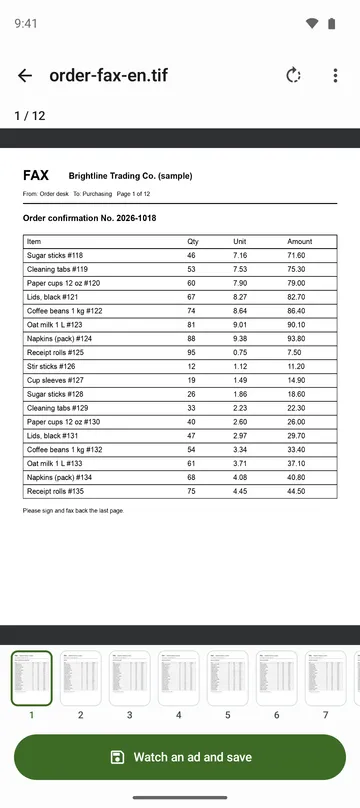
A fax or scan arrives as a TIFF file, and on your phone only the first page shows up, or it won't open at all.
Screenshots
What it does
Only what you need
- Opens every page of a multi-page TIFF, not just the first (up to 1,000 pages).
- Opens CCITT G3 and G4 faxes and uncompressed, LZW, Deflate, PackBits and JPEG TIFFs, in black and white, grey, RGB, palette or CMYK, including BigTIFF.
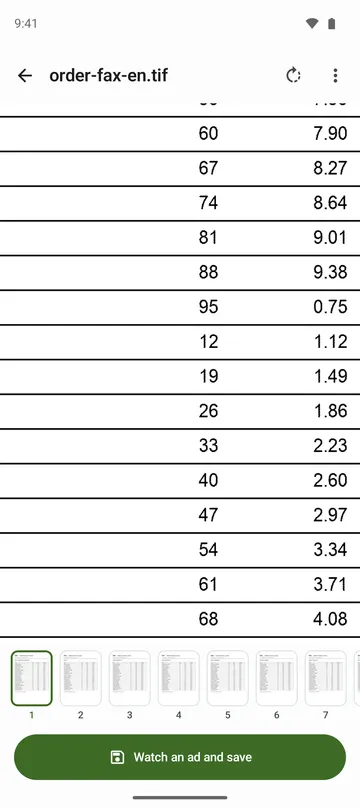
- Pinch to zoom up to 16x, rotate faxes that came in sideways, and standard-resolution faxes are corrected so they don't look squashed.
- Prints any page range through your phone's print screen.
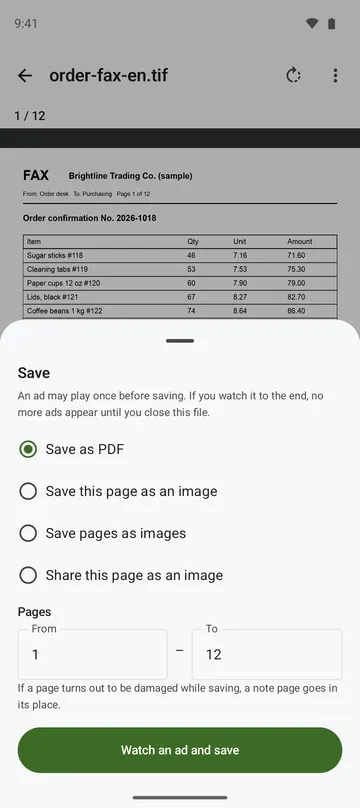
- Saves a page range as one PDF, or the current page or several pages as JPG or PNG to your gallery (up to 500 pages at a time).
- Moves on to the next TIFF in the same folder. You only pick the folder once.
How to use it
Done in 5 steps
- Tap a TIFF file in your file manager or email and choose this app, or tap Open TIFF on the app's home screen.
- Swipe to turn pages or pick one from the page strip at the bottom. Pinch to zoom in on small text, and tap Rotate view for sideways faxes.
- To print, choose Print under More options and pick the page range on the print screen.
- For a PDF or pictures, tap Save, choose Save as PDF or Save pages as images, and set the pages.
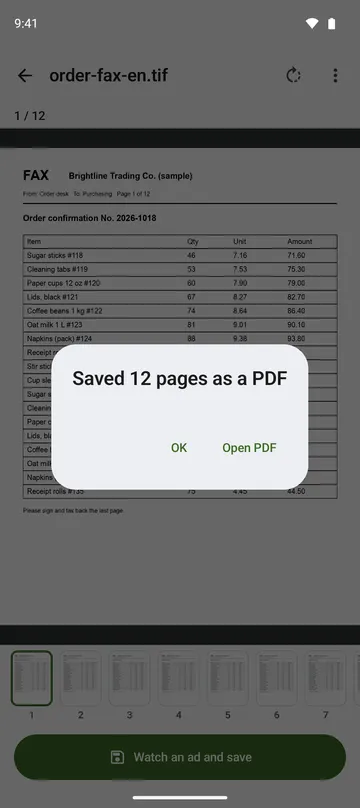
- When it's done, open the PDF straight away, or check which gallery folder the pictures went into.
What it doesn't do
Good to know before you install
- A single file opens up to 1 GB and 1,000 pages. Saving and printing go up to 500 pages at a time.
- Pages using old-style JPEG, JPEG 2000, JBIG, ZSTD or WebP compression can't be opened yet. Only those pages show a notice, and the rest open.
- CMYK is converted without a colour profile, so colours may differ from print.
- It's a viewer. It doesn't change your pictures.
FAQ
My fax is lying on its side.
Tap Rotate view to turn it upright. Standard-resolution faxes are also corrected automatically so they don't look squashed.
A very large page looks soft.
Very large pages are shown at a smaller size to fit your phone's memory, and may be saved smaller too. File info shows the original size.
Can I flip through other TIFFs in the same folder?
Yes. Pick the folder the file is in once, and you can move from file to file. From Android 11, the Download folder itself can't be picked, but folders inside it can.
Can I open files on USB drives or in the cloud?
Yes. Files in USB and cloud folders that appear in the file picker can be opened too.
Are my files uploaded?
No. Files are opened only on your phone. The app doesn't ask for storage permission, reads only the file you open, and never changes the original.
Get the app
TIFF Viewer: Multi-page & Fax
Open multi-page TIFF & fax files. Swipe, print, save pages to PDF or JPG.