HWP ViewerHWP & HWPX Files
Open Korean HWP/HWPX files, tables and equations included. Print or get a PDF.

When you need it
You got a .hwp file from a Korean company, school or government office, and nothing on your phone can open it.
Screenshots
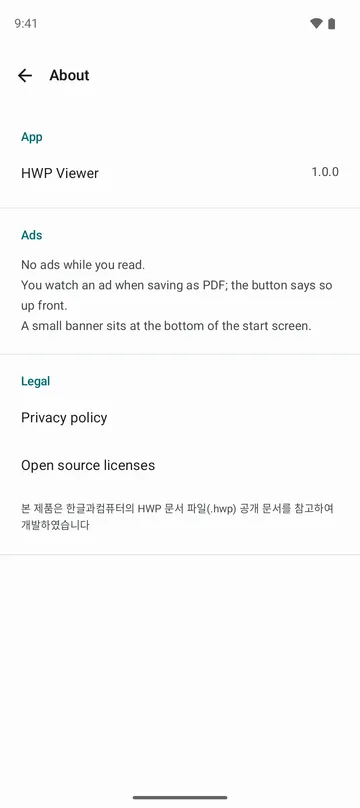
What it does
Only what you need
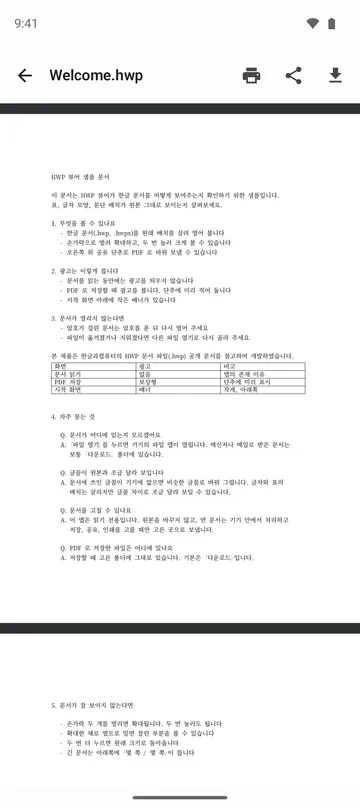
- Opens .hwp and .hwpx documents, including older HWP 3.0 files.
- Keeps the original layout: tables, equations, images and two-column pages.
- Pinch to zoom, or double-tap to enlarge.
- Converts the document to PDF so you can save it or share it.
- Prints straight from the top bar.
How to use it
Done in 4 steps
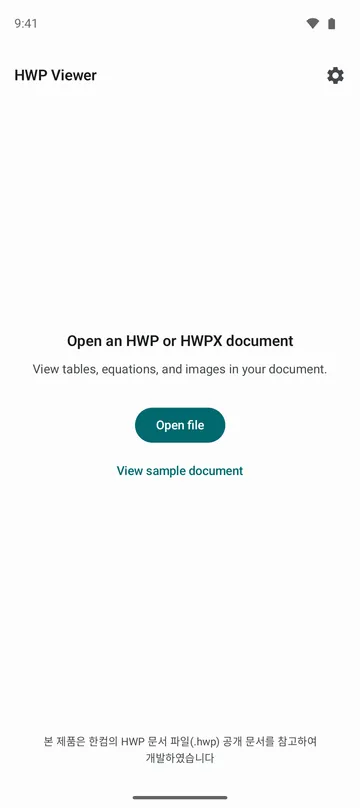
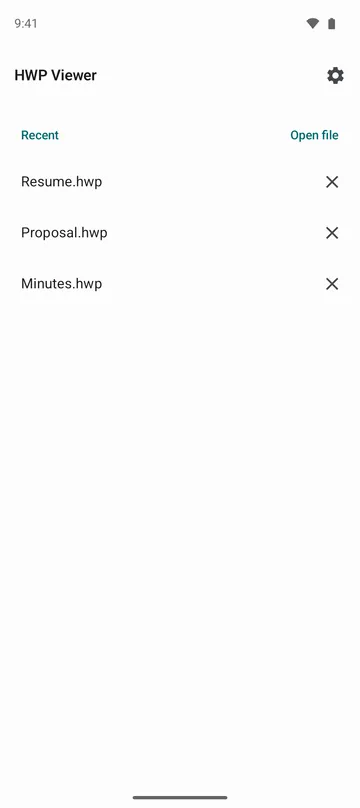
- Tap the HWP or HWPX file in your file manager and choose this app, or tap Open file on the home screen.
- Scroll through the pages, and pinch to zoom in on small text.
- To print, tap the printer icon in the top bar and the system print dialog opens.
- Need a PDF? Tap the save icon in the top bar to save one, or the share icon to send it.
What it doesn't do
Good to know before you install
- Files larger than 200 MB won't open.
- Password-protected documents need the password removed first.
- Fonts that aren't on your phone are swapped for similar ones, so a page may look slightly different from the original.
- The app appears in another app's Share menu only when that app sends the file as an HWP or HWPX document.
FAQ
Will tables and equations really show up correctly?
We tested 114 real HWP documents and every one opened. Missing fonts are replaced with similar ones, so line breaks can shift a little.
What is an HWP file, anyway?
It's the word processor format used across Korean companies, schools and government offices. HWPX is its newer version.
Can I convert a long document to PDF?
Yes. A long document takes a while, but you can keep reading around where you were while it converts.
This app doesn't show up when I tap Share.
The sending app has to mark the file as an HWP document for this app to appear. Save the file first, then pick it with Open file in this app.
Are my documents uploaded?
No. Documents are opened and converted to PDF on your phone. They only leave it when you choose to save, share or print, and they go where you pick.
Get the app
HWP Viewer
Open Korean HWP/HWPX files, tables and equations included. Print or get a PDF.
This product was developed with reference to Hancom's published HWP document file (.hwp) specification.