PDF ViewerImage to PDF
Open PDFs, even password-protected ones. Print, combine photos, save pages.

When you need it
You just want to glance at a PDF someone sent you, but too many apps keep asking you to pay or install something else.
Screenshots
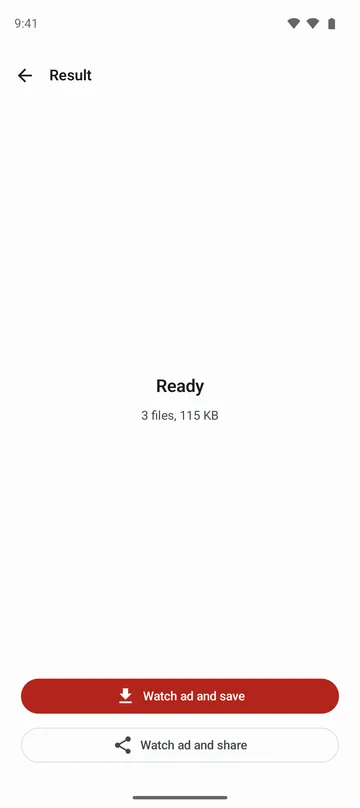
What it does
Only what you need
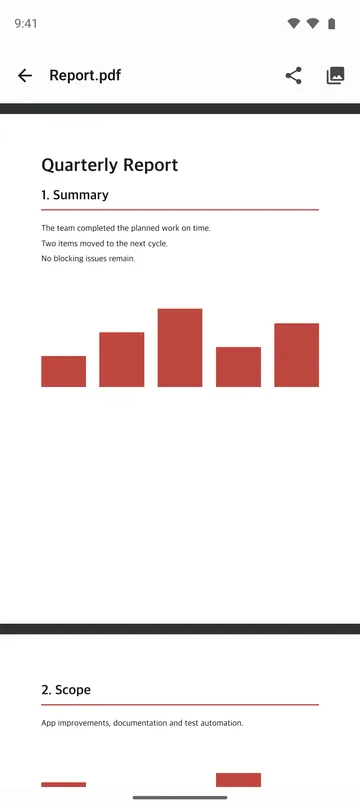
- Opens PDFs right away so you can pinch to zoom and read. No sign-in and no in-app purchases.
- Opens password-protected PDFs when you enter the password (Android 15 and later).
- Prints the PDF you're viewing.
- Combines several photos into one PDF, in the order you picked them.
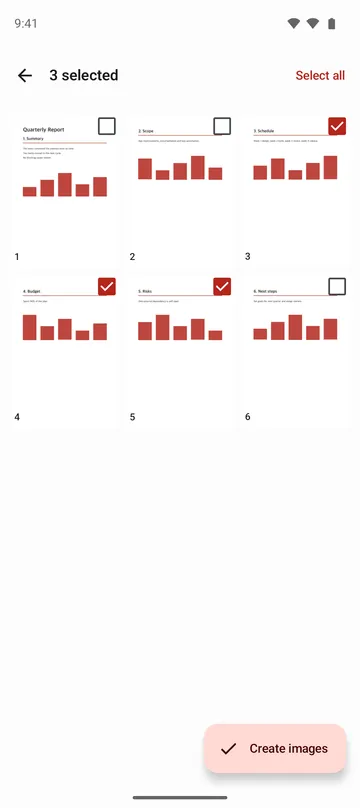
- Saves only the pages you choose as PNG images, up to 100 pages at a time.
- Shares the PDF you have, unchanged, with another app.
How to use it
Done in 4 steps
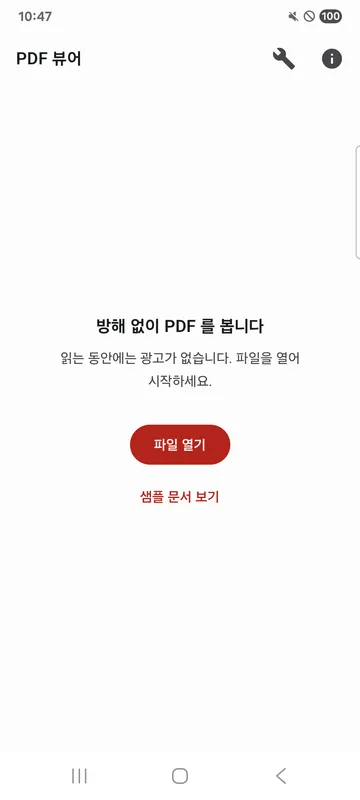
- Tap a PDF in your file manager and choose this app, or tap Open file on the app's home screen.
- Scroll through the pages and pinch to zoom in on small text. For a locked document, enter the password and tap Open.
- To print, tap More options in the top bar, then Print, and the system print dialog opens.
- To combine photos or pull pages out as images, tap Tools at the top of the home screen and choose Photos to PDF or Pages to images.
What it doesn't do
Good to know before you install
- Opening password-protected PDFs works on Android 15 and later. It may not work on older versions.
- If the right password still doesn't open a file, it may use a security method this app can't read.
- It's a PDF viewer. You can't edit text or add notes.
FAQ
Do I need to sign in or pay?
No. PDFs open without signing in, and there are no in-app purchases.
What order do photos go in the PDF?
One photo per page, in the order you picked them. You can change the order with Move up and Move down.
Are my documents or photos sent anywhere?
No. Documents and photos are handled only on your device. Photos to PDF reads only the photos you pick, never your whole gallery.
What permissions does it use?
It doesn't ask for camera, contacts or location access. It reads only the files you open and the photos you pick.
I don't have a PDF to try.
Tap View sample on the home screen to try it first.
Get the app
PDF Viewer
Open PDFs, even password-protected ones. Print, combine photos, save pages.