Korean Typing Practice: Hangul
Practice Korean (Hangul) and English typing, and drill the letters you miss.

When you need it
You're learning to type Korean on your phone and want to practice with the keyboard you already use, and see which letters keep tripping you up.
Screenshots
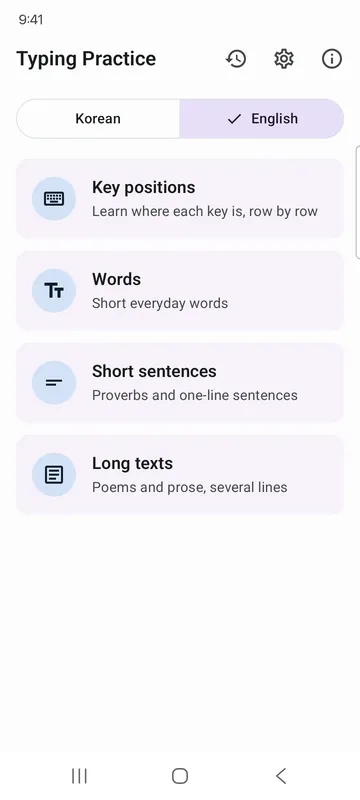
What it does
Only what you need
- Practice Korean (standard 2-set Dubeolsik layout) and English typing with the keyboard app you already use.
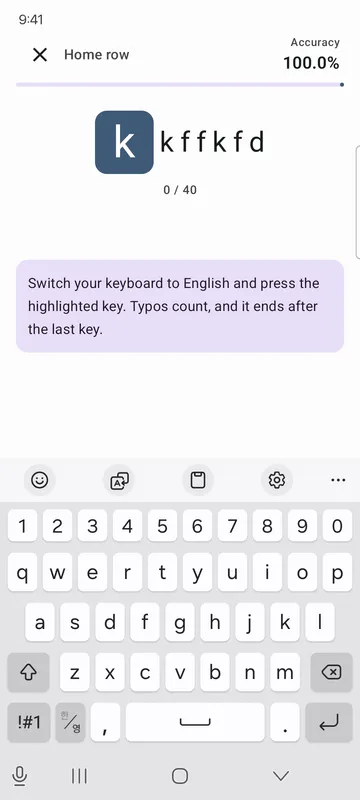
- Key positions drills start from the home row, then add the top row, bottom row and Shift keys. Words, Short sentences and Long texts cover proverbs, classic novel openings, office sentences and one-line code.
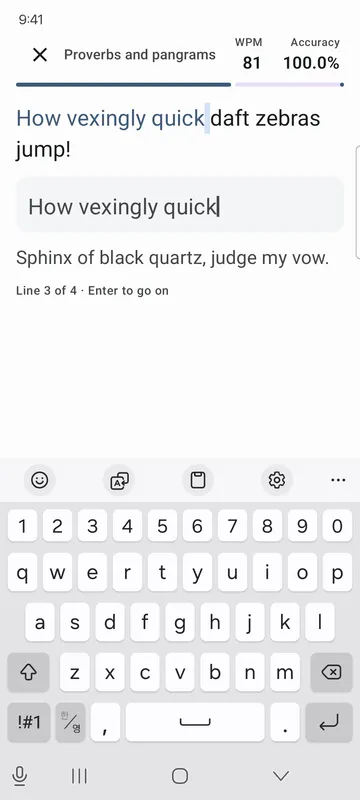
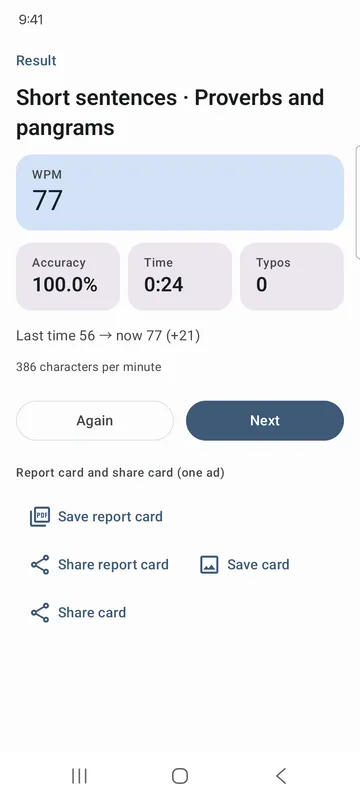
- In word and text practice, see your speed (strokes per minute for Korean, WPM for English) and accuracy as you type, and compare with last time when you finish.
- After Korean word and text practice you see which letters you missed (such as the final ㄺ or ㅘ), and History collects the letters you miss most.
- Tap Practice weak letters to type lines full of the letters you miss most.
- The layout fits landscape and tablet screens, and text comes in three sizes.
How to use it
Done in 5 steps
- On Home, choose Korean or English. New here? Start with Key positions.
- Once you're comfortable, pick Words, Short sentences or Long texts, then choose what to type.
- Start typing the text on screen. The timer starts on your first key, and Enter takes you to the next line.
- When you finish, check your result on the result screen and tap Again or Next.
- Open History for your last 30 sessions and the letters you miss most, then tap Practice weak letters to drill them.
What it doesn't do
Good to know before you install
- Korean practice is based on the 2-set (Dubeolsik) layout.
- Practices with pasted text, autofill or suggested words aren't saved to History. Press the keys yourself.
- Texts are only works whose copyright has expired and sentences we wrote ourselves.
FAQ
Do I need to install a different keyboard?
No. You practice with the keyboard app you already use. If the text is Korean and your keyboard is set to English, the app tells you to switch.
Do I need an account?
No. There's no sign-in, so you can start right away.
How is speed measured?
Korean shows strokes per minute and English shows words per minute (WPM), both with accuracy. The timer starts on your first key.
Is what I type saved?
No. What you type is never saved or sent anywhere. History keeps only your speed, accuracy and counts of missed letter types.
Where do the practice texts come from?
Only works whose copyright has expired and sentences we wrote ourselves. Each sentence pack shows its source.
Get the app
Korean Typing Practice: Hangul
Practice Korean (Hangul) and English typing, and drill the letters you miss.