
3D Model ViewerSTL & OBJ
Open STL, OBJ, 3MF, PLY and GLB. Turn the model, check size, volume and colors.

When you need it
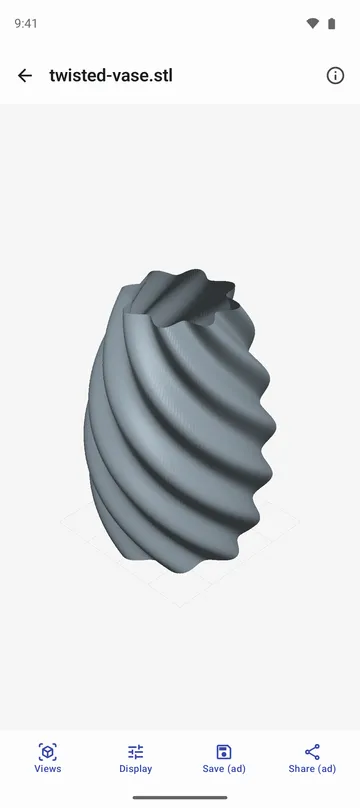
You've got an STL or OBJ file to 3D print, but you're away from your computer and can't check its shape or size.
Screenshots
What it does
Only what you need
- Opens STL (binary and text), OBJ, 3MF, PLY and GLB files, and recognises the format from the file's contents even if the extension is wrong.
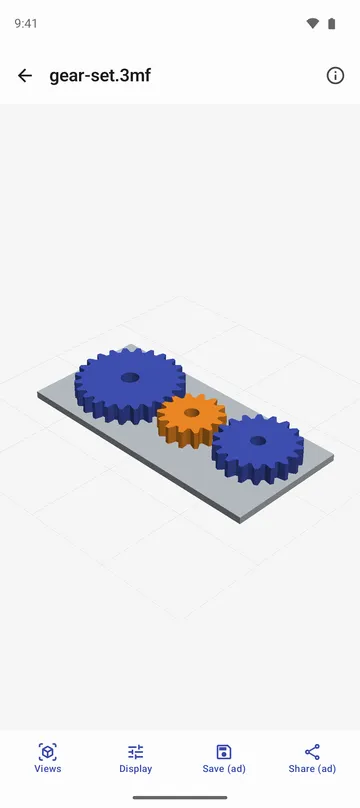
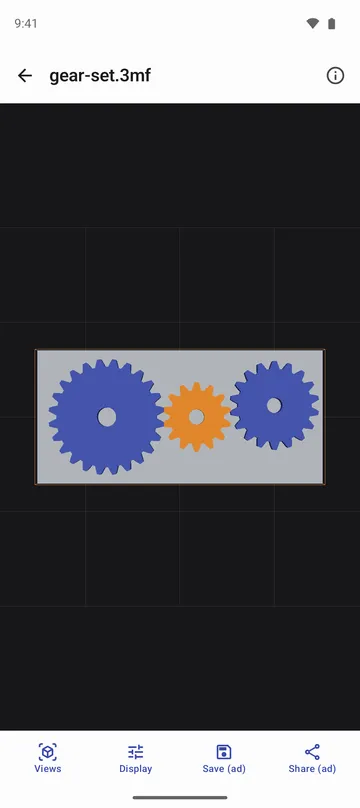
- Drag to rotate, pinch and drag with two fingers to zoom and move, and jump to front, back, side, top, bottom or angled views.
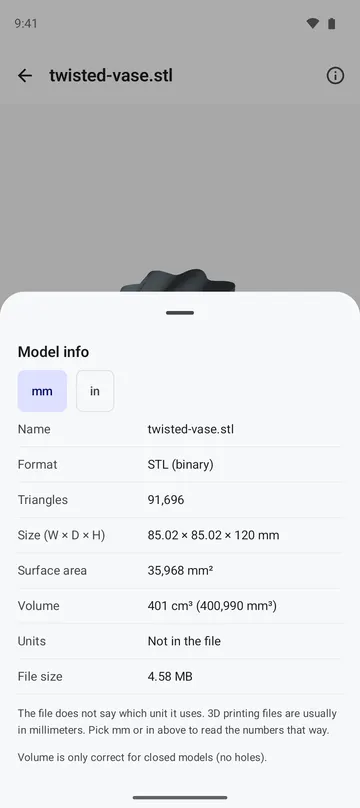
- Shows width, depth and height, surface area, volume in cm³ and the triangle count. For STL, OBJ and PLY, which store no units, choose mm or inch.
- Shows the colours stored in 3MF, PLY, OBJ and GLB files. For OBJ, choose its material file (.mtl) to see the base colours.
- Opens large models with over a million triangles without simplifying them (the limit depends on your phone's memory).
- Save or share exactly what you see as a PNG (with a transparent background if you like) or JPG, 1080, 2048 or 4096 px on the long side.
How to use it
Done in 5 steps
- Tap Open a file on the home screen, or tap a model in your file manager and choose this app. New to it? Tap See a sample model first.
- Drag to rotate the model and pick a view under Views. Double-tap to fit it to the screen.
- Open Model info to check the size, surface area and volume. If the file has no units, choose mm or in.
- If an OBJ model shows in a single colour, tap Choose material file and pick its .mtl file.
- Need a picture? Tap Save or Share and choose the format and size.
What it doesn't do
Good to know before you install
- Textures and animation are not shown.
- glTF models that need other files next to them (such as .bin) and Draco-compressed models can't be opened. Export them as a single uncompressed GLB.
- Volume is only correct for closed models with no holes.
- It's a viewer. It doesn't change or slice models.
FAQ
How do I know the size units are right?
3MF and GLB files carry their own units. STL, OBJ and PLY don't, so choose mm or in under Model info. 3D printing files are usually in millimetres.
My OBJ model is all grey.
OBJ colours live in a separate material file (.mtl). Tap Choose material file and pick it to see the base colours.
Will very large models open?
Models with over a million triangles open without simplifying. If a model is too big for your phone's memory, the app tells you.
Are my models uploaded anywhere?
No. Models are opened and drawn only on your phone. There's no account, and the app doesn't ask for storage permission. It reads only the file you open.
I tapped a file but this app isn't in the list.
Open it with Open a file on the app's home screen instead. Files you open stay under Recent.
Get the app
3D Model Viewer
Open STL, OBJ, 3MF, PLY and GLB. Turn the model, check size, volume and colors.