
EML Viewer: Open Email Files
Open .eml files: read the message, save attachments and reply in your mail app.

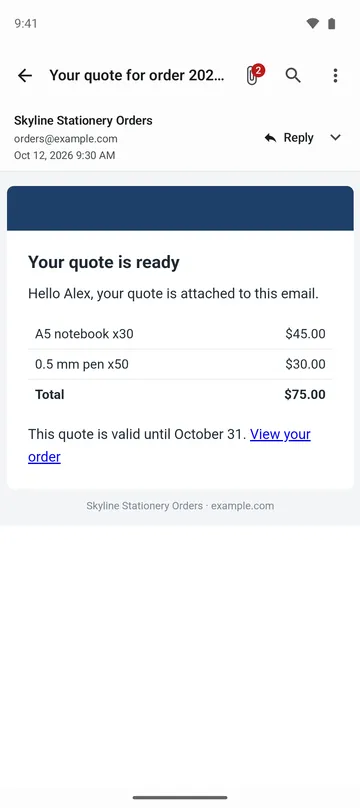
When you need it
Someone sent you an email as an .eml file, and your phone has nothing that can open it, so you can't read it or get the attachments.
Screenshots
What it does
Only what you need
- Opens emails saved as files (.eml). There is no sign-in, and the app does not connect to your mail account.
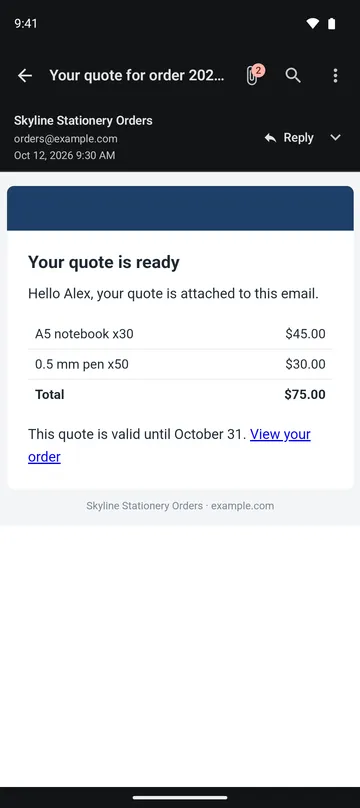
- Formatted emails fit your screen width. Pinch to zoom, switch to plain text, find words and copy text.
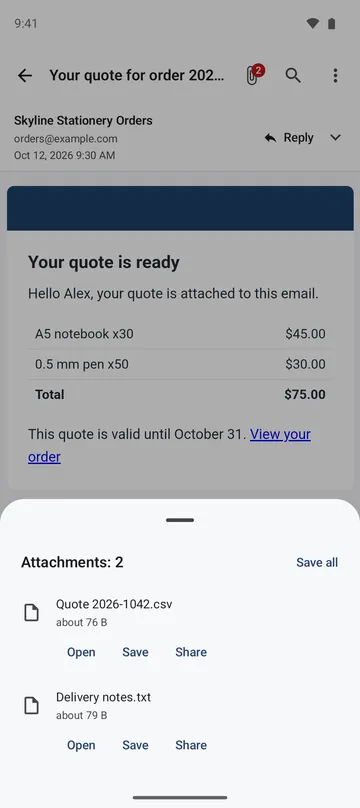
- See each attachment's name and size, then open, save or share it, or save several to a folder in one step. An email attached inside another email opens too.
- For emails in older Korean, Japanese, Chinese and other encodings, the app tries to detect the encoding, and you can pick it yourself.
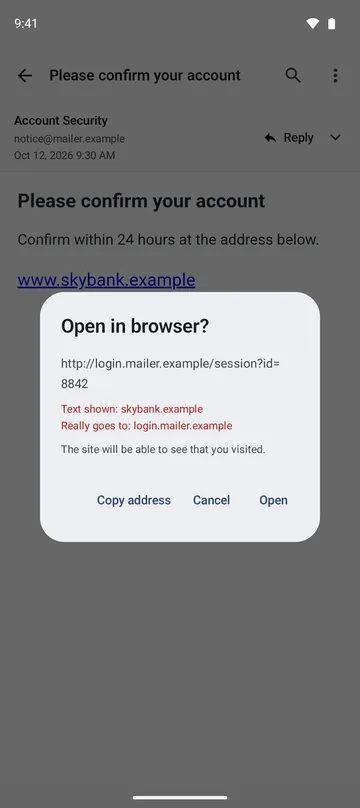
- The sender's real address is always shown under the display name. Tap a link and you see where it really goes before you choose to open it.
- Tap Reply to start a new email in your mail app with the recipient and subject filled in. You can also print or save as PDF.
How to use it
Done in 5 steps
- Tap an .eml file in your files app, or tap Open email file on the home screen and pick it.
- Read the message. If text looks wrong, pick another Text encoding.
- For attachments, tap Open or Save in the list, or Save all to save them together.
- To answer, tap Reply and write a new email in your mail app.
- To keep a copy on paper or as a PDF, choose Print or save as PDF. The subject, sender and date are included.
What it doesn't do
Good to know before you install
- The app does not send email. Replies are written as a new email in your mail app.
- It cannot open .msg files or files that hold several emails (mbox) yet.
- Encrypted emails cannot be shown. Signed emails are shown, but the signature is not verified.
- Requires Android 11 or later.
FAQ
Does the sender know when I open the email?
The screen that shows an email does not use the internet, so viewing an email does not load remote images or run scripts in the message. If you choose to open a link in your browser, that site can see your visit.
An attachment looks like a program. What happens if I tap it?
Before opening a program, an installer or a similar file, the app asks first. Open it only if you trust the sender.
Japanese or Chinese text looks garbled.
The app tries to detect the encoding. If text still looks wrong, pick the encoding yourself in Text encoding.
Does Reply send the message text to my mail app?
No. Only the reply address and subject go to your mail app. If the reply address is on a different domain from the sender's, both addresses are shown before your mail app opens.
Are my emails uploaded anywhere?
No. Emails are read on your device and are not sent to the developer's server. Only when you choose to save, share, print or open something in another app does it go to the app or service you pick.
Get the app
EML Viewer: Open Email Files
Open .eml files: read the message, save attachments and reply in your mail app.