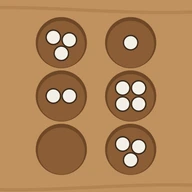
MancalaOffline Board Game
See the final score first. Every pit shows its count. 6 levels or 2 players.

When you need it
When a game of mancala ends, another screen pops up before you can see the final score, and you can't tell whether the app uses the rules you know.
Screenshots
What it does
Only what you need
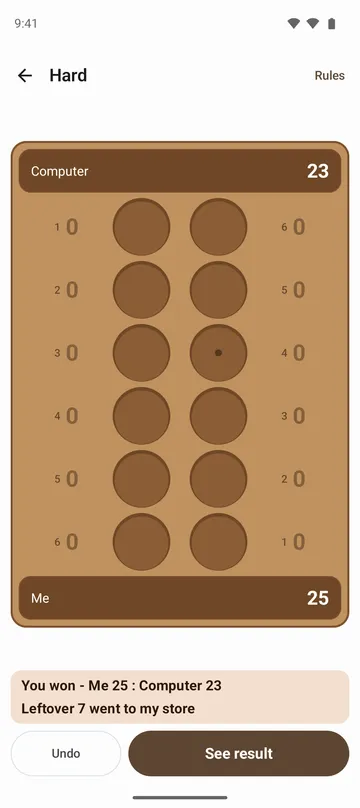
- When a game ends, the final score and result show on the board first, such as You won - Me 27 : Computer 21, with a line saying whose store the leftover stones went to.
- It plays the Kalah way: six pits per row, four stones in each to start, and when your last stone lands in your store, you go again.
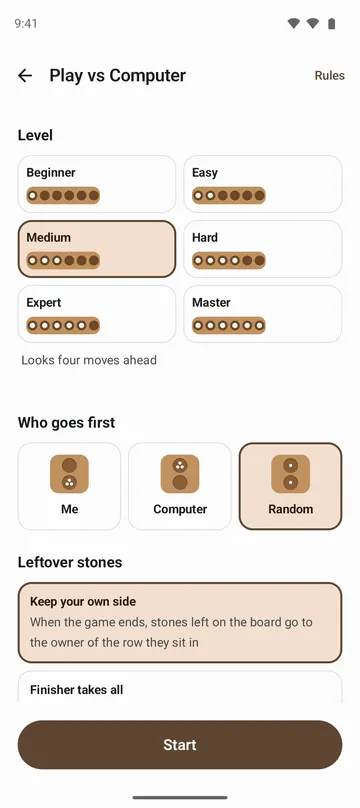
- The game ends when one row is empty. Choose how leftover stones are counted, Keep your own side or Finisher takes all, and compare the two in pictures on the rules screen.
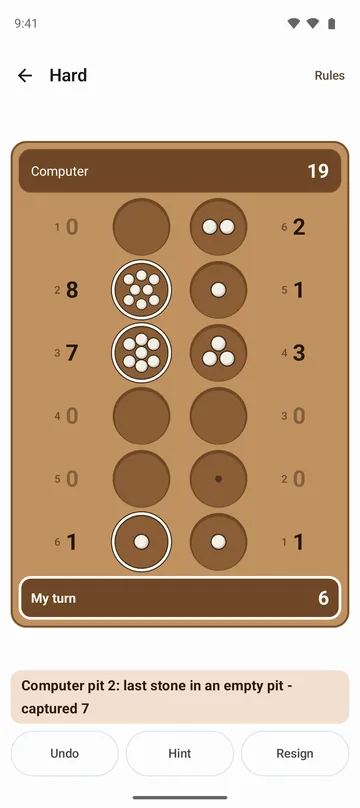
- After every move, a line under the board says what happened, and when the computer moves several times in a row, each move is shown in turn.
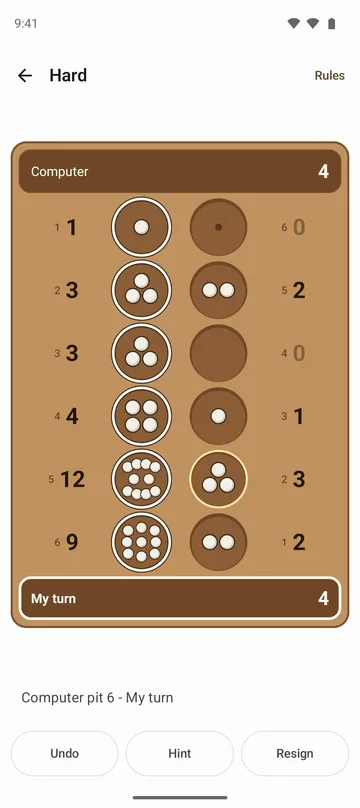
- Every pit shows its stone count as a large number, so you never have to count stones. Tap a pit you can't play and it tells you why.
- Six computer levels: Beginner, Easy, Medium, Hard, Expert and Master, or two players sitting face to face with one phone. Stuck? A hint suggests a pit.
How to use it
Done in 5 steps
- On the home screen, choose Play vs Computer or Two Players.
- Pick a level, who goes first (you, the computer or random) and how leftover stones are counted, then tap Start.
- Tap a pit on your side and its stones are sown one by one. Tap the board to skip the animation.
- Made a mistake? Tap Undo, as many times as you like.
- When the game ends, check the score, tap See result, then Play again for a new game.
What it doesn't do
Good to know before you install
- There's one setup with four stones per pit. You can't change the stone count or play other mancala variants.
- There's no online play. You play the computer or someone sitting across from you.
- There's no screen for replaying a finished game, and no timed games.
FAQ
Can I play offline?
Yes. It works without internet, and there's no sign-in.
My last stone landed in an empty pit and I took the stones across from it.
When your last stone lands in an empty pit on your side and the pit opposite has stones, you take them into your store. The line under the board says how many you took.
In two-player mode the top numbers look upside down.
They're turned so the person sitting at the top can read them, since you play face to face.
Can I turn off the sowing animation?
Yes. Turn off Sowing animation in settings. Sound and vibration can be turned off there too.
Will I lose my game if I close the app?
No. The game is saved after every move, and Resume on the home screen brings it back. Stats also show wins, draws, losses and streaks by level, plus your last ten games.
Get the app
Mancala
See the final score first. Every pit shows its count. 6 levels or 2 players.