Dots and BoxesOffline Game
The line you tap is the line you get. Start in one tap, 5 sizes, 6 levels.

When you need it
Dots and Boxes on a phone keeps drawing a line next to the one you tapped, and the computer takes extra turns without saying why.
Screenshots
What it does
Only what you need
- Tap a line and it's highlighted first. Tap the same line again, or tap Draw, to draw it. Ambiguous spots, like right on a dot or in the middle of a box, don't pick a line.
- A highlighted line shows whether it would complete a box. Want to play faster? Switch to Draw in one tap in settings.
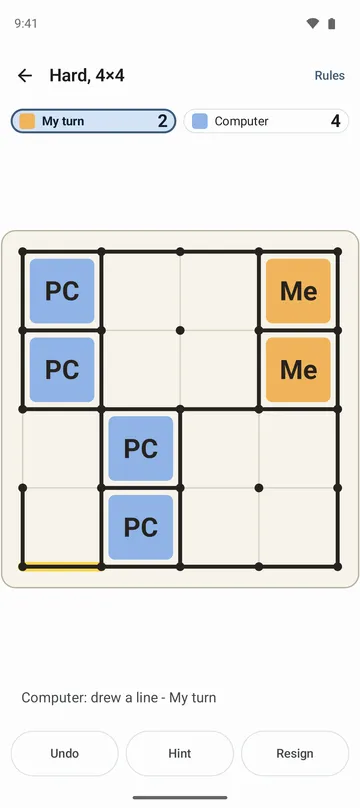
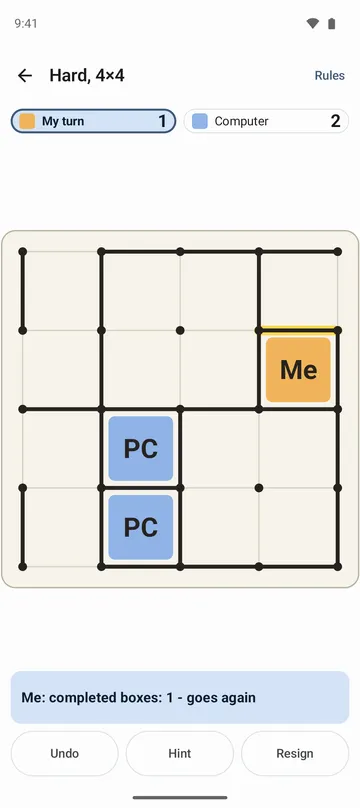
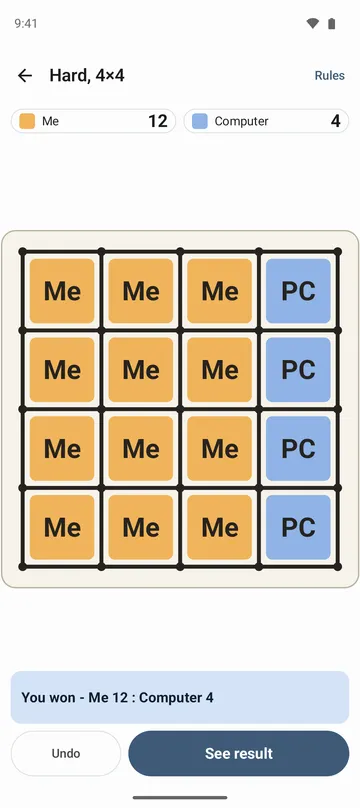
- Each time a completed box gives someone another move, a line under the board says so, and every finished box is marked with its owner. The last line drawn is shown in color.
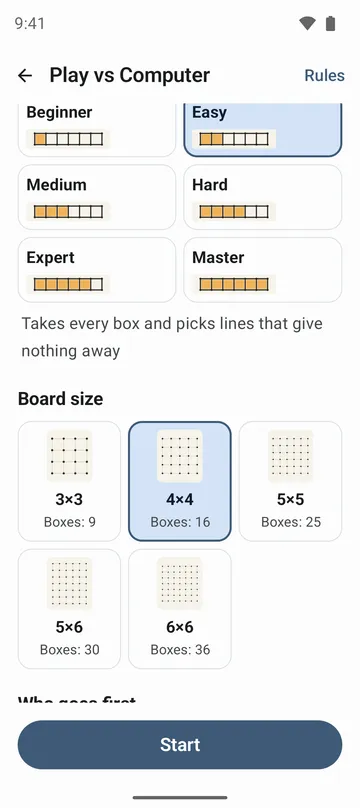
- Play now on the home screen starts a new game with your last settings. There are five board sizes: 3×3, 4×4, 5×5, 5×6 and 6×6.
- Six computer levels: Beginner, Easy, Medium, Hard, Expert and Master, or P1 and P2 taking turns on one phone. Stuck? Ask for a hint.
- Undo as often as you like, and the game is saved with every line. Wins, draws, losses and streaks add up by level, with your last ten games in one list.
How to use it
Done in 5 steps
- On the home screen, choose Play vs Computer or Two Players. For the same setup as last time, tap Play now.
- Pick a level, board size and who goes first (you, the computer or random), then tap Start.
- Tap a line to highlight it, then tap it again or tap Draw.
- Drawing the fourth side of a box claims it and gives you another move. Drew the wrong line? Tap Undo.
- When every line is drawn, the score and result appear. Tap See result, then Play again for a new game.
What it doesn't do
Good to know before you install
- Two players share one phone. There are no games for three or more, and no way to connect to another phone.
- On small screens, the largest boards can't be picked because the lines would be too tight.
- There's no screen for replaying a finished game, and no timed games.
- Stats are kept by level only, not by board size.
FAQ
Can I play without internet?
Yes. It works without internet, and there's no sign-in.
The computer left a box unfinished. Is that a bug?
No, it's a deliberate move. A line under the board points it out, and the rules screen explains why.
Tapping each line twice is slow.
Turn on Draw in one tap in settings and lines are drawn as soon as you tap.
Will I lose my game if I close the app?
No. Once you've drawn at least one line, Resume brings the game back when you reopen the app.
Can I turn the sound off?
Yes. There's no music, and sound and vibration can be turned off in settings.
Get the app
Dots and Boxes
The line you tap is the line you get. Start in one tap, 5 sizes, 6 levels.