Reversi GamePlay Offline
Flip discs on an 8×8 board. See why a turn skips. 6 levels or 2 players.

When you need it
Playing Reversi alone, it can look like the computer just moved twice, and most apps never tell you why.
Screenshots
What it does
Only what you need
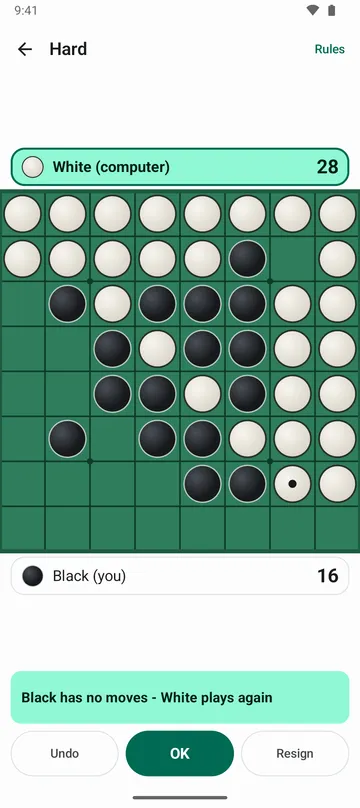
- When a side has no move and the turn is skipped, the line under the board says so right away, like White has no moves - Black plays again, and counts how many times in a row.
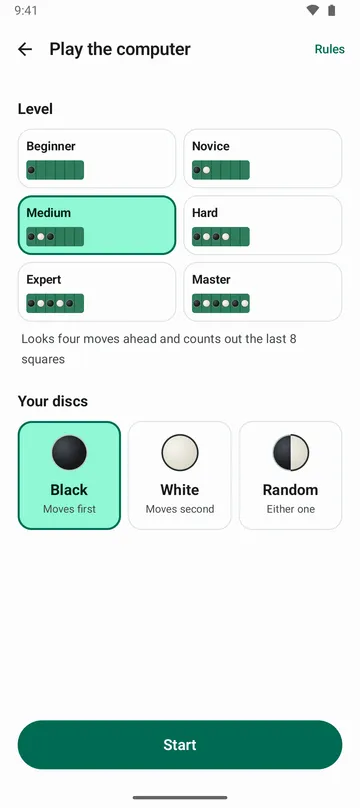
- Play the computer at six levels: Beginner, Novice, Medium, Hard, Expert and Master. Stuck? Ask for a hint.
- Two players can share one phone. The board doesn't turn, and a highlighted bar shows whose move it is.
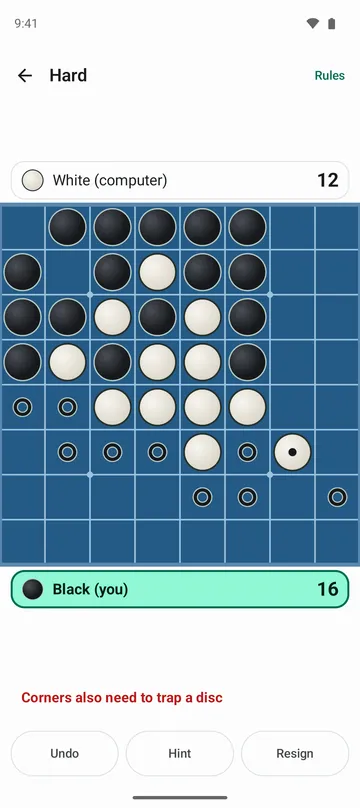
- Squares you can play are marked with small rings, and tapping one you can't play tells you why in one line.
- Undo has no limit, and the game saves after every move, so Continue game picks it up after you close the app.
- Wins, draws and losses add up by level on the Record screen, along with recent games, your current win streak and your best.
How to use it
Done in 5 steps
- On Home, tap Play the computer or Two players.
- Against the computer, choose a level and your discs (Black, White or Random), then tap Start.
- Tap a ringed square to place a disc. Every opponent disc trapped between two of yours flips to your color.
- If a turn is skipped, read the line under the board. When it's your turn that was skipped, tap OK to carry on.
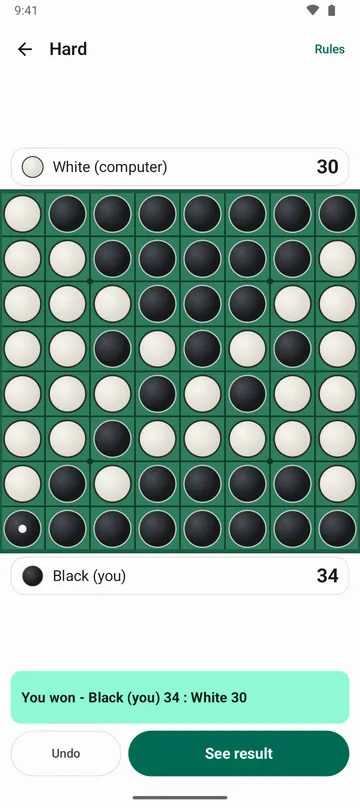
- The game ends when neither side can move. Tap See result for the disc count, then Play again for a new game.
What it doesn't do
Good to know before you install
- There's one board size, 8×8.
- There's no online play. Two players means sharing one phone.
- There's no sign-in, so your record isn't tied to an account. If Android backup is on, it's included in your Google account backup.
FAQ
The computer moved twice in a row. Is that a bug?
No. When you have no legal move, your turn is skipped and the computer plays again. The line under the board explains it, and the computer waits until you tap OK.
Does it work offline?
Yes. Both playing the computer and two players work without internet, and there's no sign-in.
I tapped a corner and nothing happened.
A corner move also has to trap an opponent disc. Tap a corner you can't play and the app reminds you of that.
Can I change how the board looks?
Yes. Pick Green felt, Wood, Sea or Night under Board style in Settings. The move rings, flip animation and vibration can be turned off there too.
Where are my games and record stored?
On your phone, and they're never sent to our servers. If Android backup is on, they're included in your Google account backup, so they can carry over to a new phone.
Get the app
Reversi Game
Flip discs on an 8×8 board. See why a turn skips. 6 levels or 2 players.