GoOffline Baduk Board Game
A computer that starts easy, or 2 players. Clear scoring. 9x9 to 19x19

When you need it
You want to play Go (Baduk) on your own, but computer opponents are too strong, and the final score never explains itself.
Screenshots
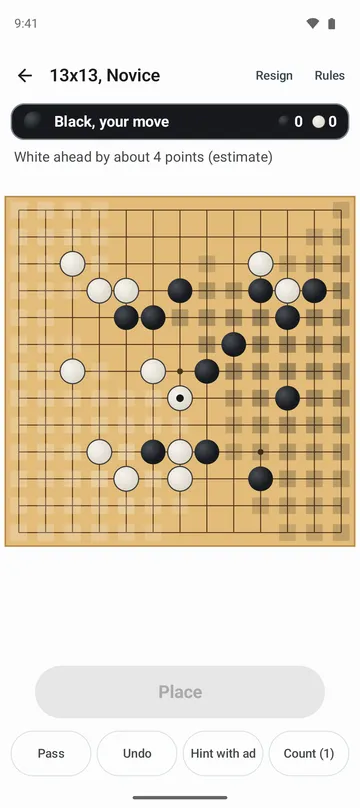
What it does
Only what you need
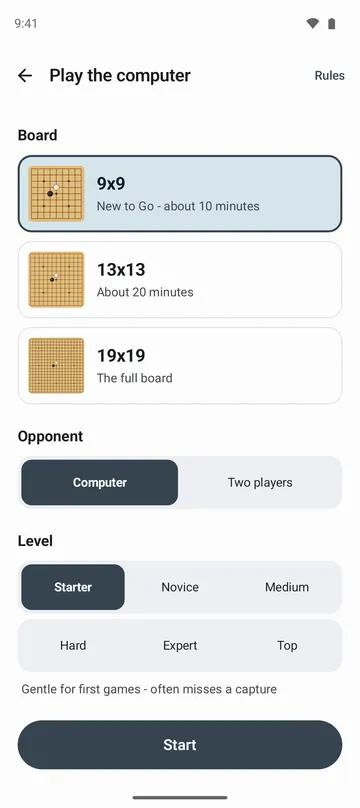
- Pick a computer opponent from six levels on 9x9 and 13x13, from Starter to Top, or three on 19x19: Starter, Novice and Medium. Starter plays gently for first-time players.
- Even out a game with handicap stones and choose Black or White. Stuck? Get a hint, or tap Count to see who is ahead.
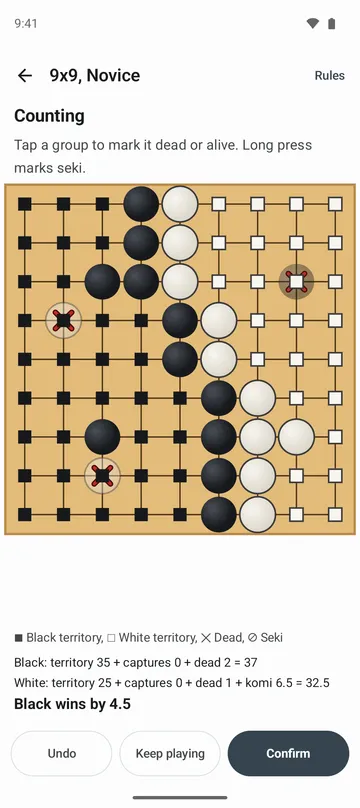
- When both players pass, the game moves to scoring. Dead stones are suggested, every point shows whose territory it is, and territory, captures, dead stones and komi add up line by line.
- Tap a group to switch it between dead and alive, and mark seki too. Open borders are pointed out, and Keep playing lets you finish them.
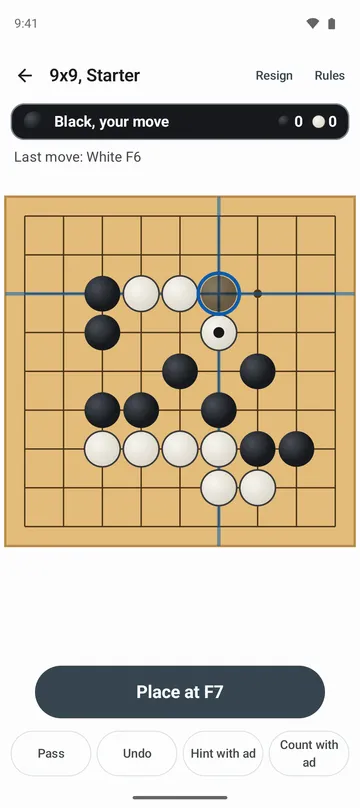
- A tapped point shows a ghost stone and crosshair first, and on 19x19 a magnifier shows the area around your finger. Illegal points (suicide, ko) tell you why.
- Two players can take turns on one phone. Turn on Play with buttons in settings to move a cursor with arrow buttons, and with TalkBack on, the cursor point is read aloud.
How to use it
Done in 5 steps
- On the home screen, choose Play the computer or Two players.
- Pick the board, level, your stones and handicap stones, then tap Start.
- Tap a point to see a ghost stone, then tap Place or the same point again. Made a mistake? Tap Undo.
- When there's nothing left to play, tap Pass. Once both players pass, the Counting screen opens.
- Check dead stones and seki, tap Confirm to see the result, then tap Play again for a new game.
What it doesn't do
Good to know before you install
- There's no online play or ranking. You play the computer or someone sitting next to you.
- On 19x19 the computer goes up to Medium only.
- You can't import or export game records (SGF), and there are no timed games or byo-yomi.
- Scoring uses Korean territory counting only, with 6.5 komi (0.5 in handicap games).
FAQ
Can I play offline?
Yes. It works without internet, and there's no sign-in.
How many times can I undo?
As many as you like.
The app marked the wrong stones as dead.
Tap a group to switch it between dead and alive, or long-press to mark seki. Tap Confirm when it looks right, and the score follows your marks.
The same position keeps repeating.
If the same position comes up a third time, you're asked whether to call it a draw.
Will I lose my game if I close the app?
No. Your game is saved, and Continue game on the home screen picks it up. You can also see records by board size and level, plus your recent games.
Can I change how the board looks?
Yes. Choose Wood, Paper, Jade or Night under Board style in settings. Dark mode is supported too.
Get the app
Go
A computer that starts easy, or 2 players. Clear scoring. 9x9 to 19x19