MDB & ACCDB Viewer: DB Files
Open MDB, ACCDB and DB files. Browse tables, follow linked rows, save CSV, PDF.

When you need it
You need to look inside an MDB or ACCDB file from work, or a DB file an app made, and there's no PC around.
Screenshots
What it does
Only what you need
- Opens ACCDB (2007 to 365) and MDB (2000, 2002-2003) files, and SQLite 3 database files (.db, .sqlite and more), up to 1 GB.
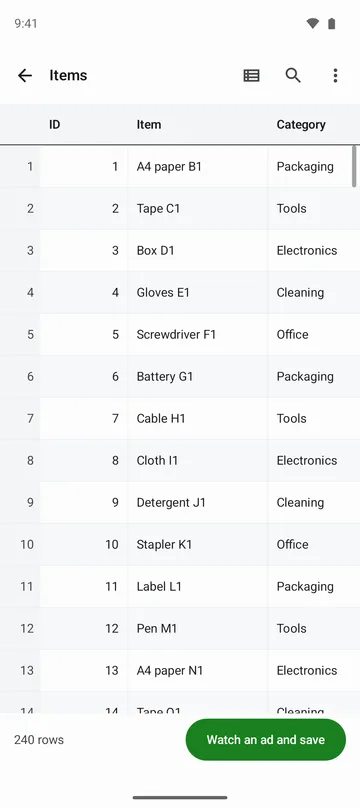
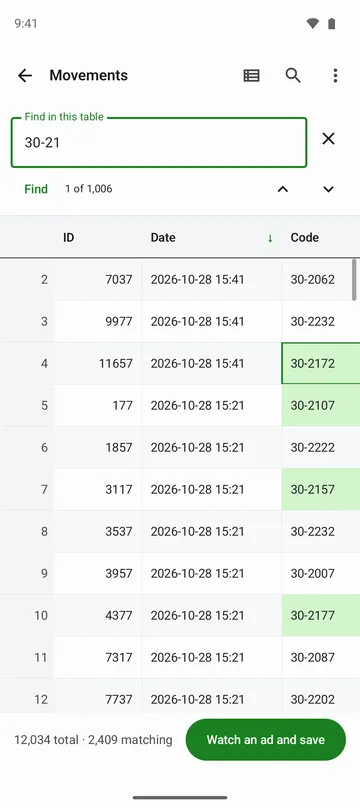
- Scroll large tables from the first row to the last, tap a column header to sort, and combine filters on several columns.
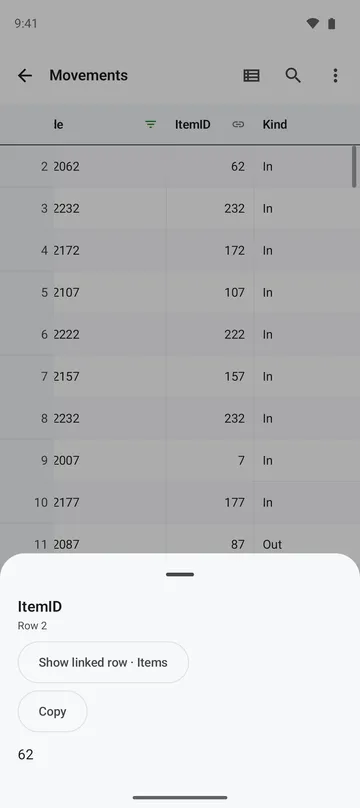
- Tap a value that points to another table to jump to the linked row, then tap Back to return.
- Tap a cell to see long text, dates, money values and binary data, with a preview for images.
- Structure shows column names, types, primary keys, indexes and relationships, and you can copy it.
- Save the current table, with its sort and filter, as CSV or PDF, or save all tables as CSV in one ZIP.
How to use it
Done in 5 steps
- Tap Open DB file on the home screen and pick a file. You can also open it from your file manager or email, share it to the app, or try the sample first.
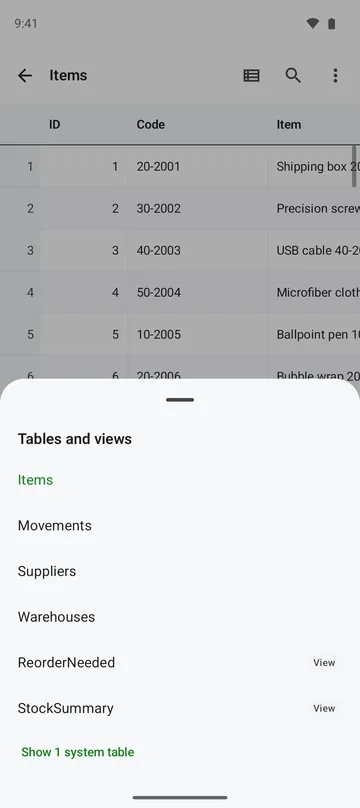
- Pick a table from Tables and scroll through it.
- Tap a column header to sort, or use Filter to set a condition and tap Apply.
- To see how the table is built, open Structure.
- Tap Save and choose This table as CSV or All tables as CSV (ZIP).
What it doesn't do
Good to know before you install
- Read-only. No values are changed, no SQL is run, and the original file stays as it is.
- Password-protected files can't be opened yet.
- The app shows tables and views. Forms, reports and macros are not shown, and tables linked to other files are not followed.
- Sorting a column without an index works up to 200,000 rows, and may be fewer depending on device memory and value length.
FAQ
My file doesn't end in .db. Will it open?
The format is detected from the file header, not the extension, so a SQLite file opens with any extension. If a file isn't a database (such as Thumbs.db or a ZIP), the app tells you what it is.
There's a -wal file next to my database. What do I do?
The app tells you when a file uses WAL mode. Pick the matching -wal file copied together with the DB file to view its changes merged in. The merge happens in the app's own copy, so the original stays as it is.
Will the CSV show broken characters in a spreadsheet program?
No. Tables are saved as UTF-8 CSV that opens without broken characters. Text starting with =, +, - or @ gets a leading ' so it isn't run as a formula.
Is my file uploaded anywhere?
No. The app doesn't ask for storage permission and reads only the file you pick, on your phone. It never uploads it.
I changed the file. Will the recent list show old data?
No. Tapping a recent file reads it again from the original, and if the file has changed it opens from the start.
Get the app
MDB & ACCDB Viewer: DB Files
Open MDB, ACCDB and DB files. Browse tables, follow linked rows, save CSV, PDF.
Reads files in the Microsoft Access format (.mdb, .accdb). This app is not affiliated with Microsoft.